Replace hacked WordPress with editable static HTML.
Sitebrush imports an existing website, removes the risky dynamic backend,
and gives you a fast static site that you can still edit directly in the browser.
Built for old business websites, landing pages, portfolios, documentation,
small company sites and abandoned WordPress installations that no longer need
a database, plugins or a public admin panel.
Many WordPress sites do not need WordPress anymore.
A huge number of websites are just pages, text, images, menus, contact blocks,
articles and landing pages. But they still carry the full WordPress burden:
database, plugins, themes, updates, login attacks and broken dependencies.
Old WordPress sites get hacked because nobody updates plugins.
Small businesses are afraid to touch the website because every update can break it.
The site is mostly static, but still depends on PHP, MySQL, themes and plugin code.
Convert the website into static HTML, keep it editable, and remove the
fragile dynamic backend. Your visitors receive normal generated pages.
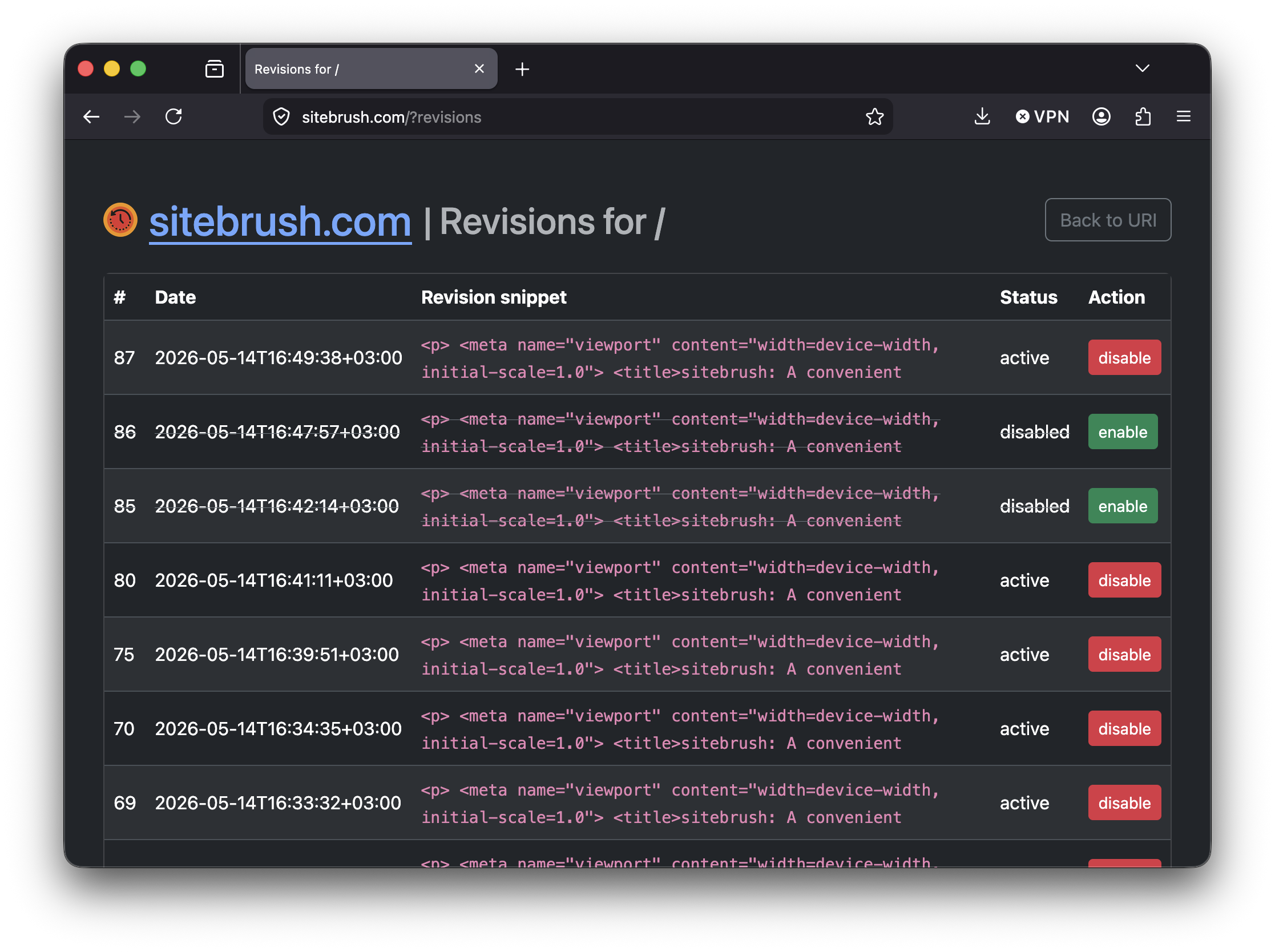
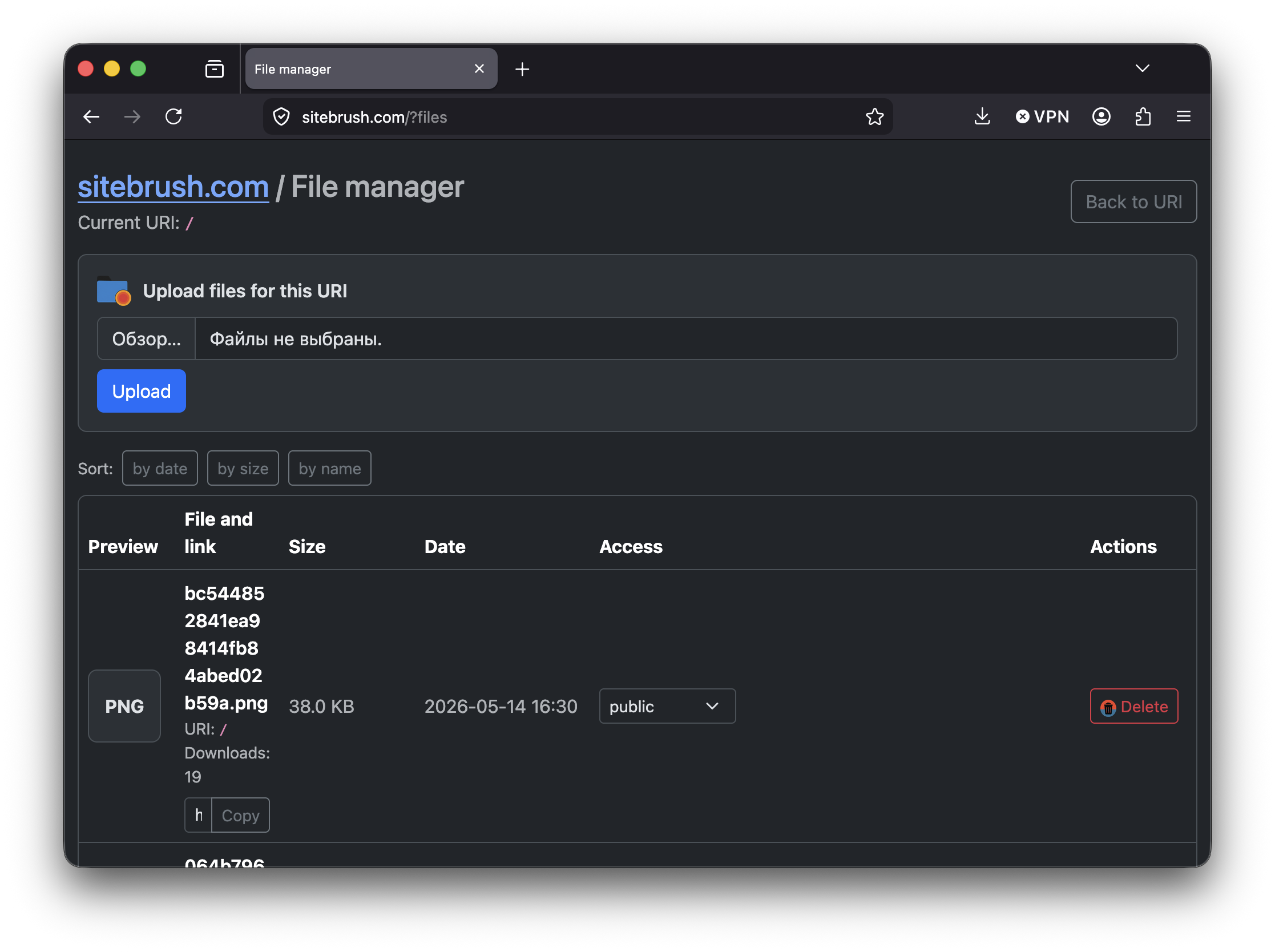
You still get browser-based editing, revisions, shared blocks, file management,
import tools and safe publishing.
Point Sitebrush at an existing WordPress, Joomla, Wix, Readymag or custom website.
It copies pages, media, styles, scripts and other resources.
2
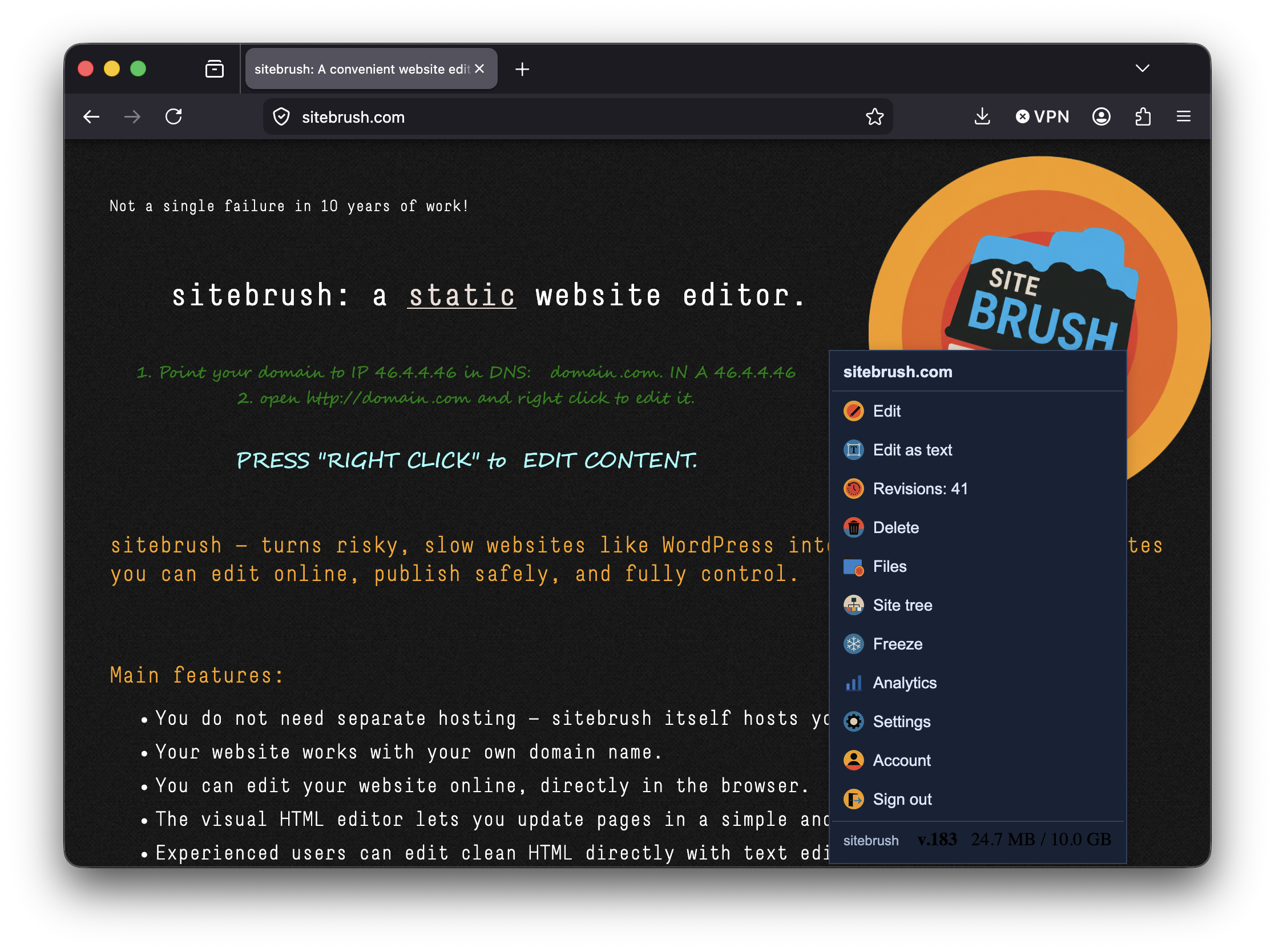
Edit
Open the new site and edit content in the browser.
Use right click on desktop or long press on mobile.
3
Publish safely
Freeze the public version while editing. Visitors keep seeing the stable site.
When everything is checked, unfreeze and publish.
Positioning
Not a WordPress clone. A WordPress retirement tool.
Keep WordPress when you need:
WooCommerce or complex e-commerce
Dynamic membership systems
Large plugin ecosystems
Complex server-side workflows
Custom PHP plugin logic
Use Sitebrush when your site is mostly:
Business pages and landing pages
Portfolio or agency website
Documentation or knowledge base
Old WordPress site that keeps breaking
Static content that still needs easy editing
Main features
Static output, CMS comfort.
Sitebrush gives you the reliability of generated static HTML while preserving
the editing workflow people expect from a CMS.
Magic number 1
Shared blocks with SiteBrush-Template
A normal static website is hard to maintain when the same header, footer,
menu or contact block appears on many pages. Sitebrush solves this with shared elements.
Mark a common block with
class="SiteBrush-Template TemplateID",
where TemplateID is any unique element name.
Edit it once, and Sitebrush updates it everywhere it is used.
Magic number 2
Import an existing website and its files
Sitebrush can copy an existing website and turn it into editable static HTML.
It imports pages, images, CSS, JavaScript, videos and other resources.
This is useful when the old CMS was hacked, plugins started breaking,
the server became outdated, or you simply want full control over your website again.
Magic number 3
Protection from broken URLs
If a page changes address, for example
/contacts becomes
/address,
Sitebrush can keep the old address working too. Visitors avoid 404 errors,
old links keep working, and search engines can continue using existing signals.
Magic number 4
Freezing and safe publishing
Press “freeze” and continue editing without exposing unfinished changes to visitors.
The public site stays stable while you work. When the new version is ready,
unfreeze and publish it.
Magic number 5
One binary, no dependency stack
Sitebrush comes as a single binary. Download it, run it, and your server is ready.
No separate database, no plugin stack, no complicated dependency chain.
Linux, Windows, macOS, FreeBSD, OpenBSD and NetBSD are supported.
Quick start
Point your domain and start editing.
1. Point DNS to the Sitebrush server
Add an A record for your domain:
domain.com. IN A 46.4.4.46
2. Open your website and edit
Open your domain in a browser, then use right click or long press to edit content.
http://domain.com
Download
Install Sitebrush server.
The recommended way to use Sitebrush is the server version.
Copy the command block for your operating system, run it on your server,
and Sitebrush will be installed as a system service.
Desktop versions are secondary. Use them when you want to run Sitebrush locally
with a graphical interface. This page can suggest the right archive for your platform.
🧩 DetectingRecommended desktop download
Detecting your platform and architecture…
Linux desktop builds are split by GTK runtime: choose GTK 4.1 for newer distributions and GTK 4.0 for older LTS systems.



 Linux amd64
 FreeBSD amd64
 OpenBSD amd64
 Windows amd64 PowerShell
 Optional local desktop builds:
 macOS desktop